
Step 1: Enable Commit Control #
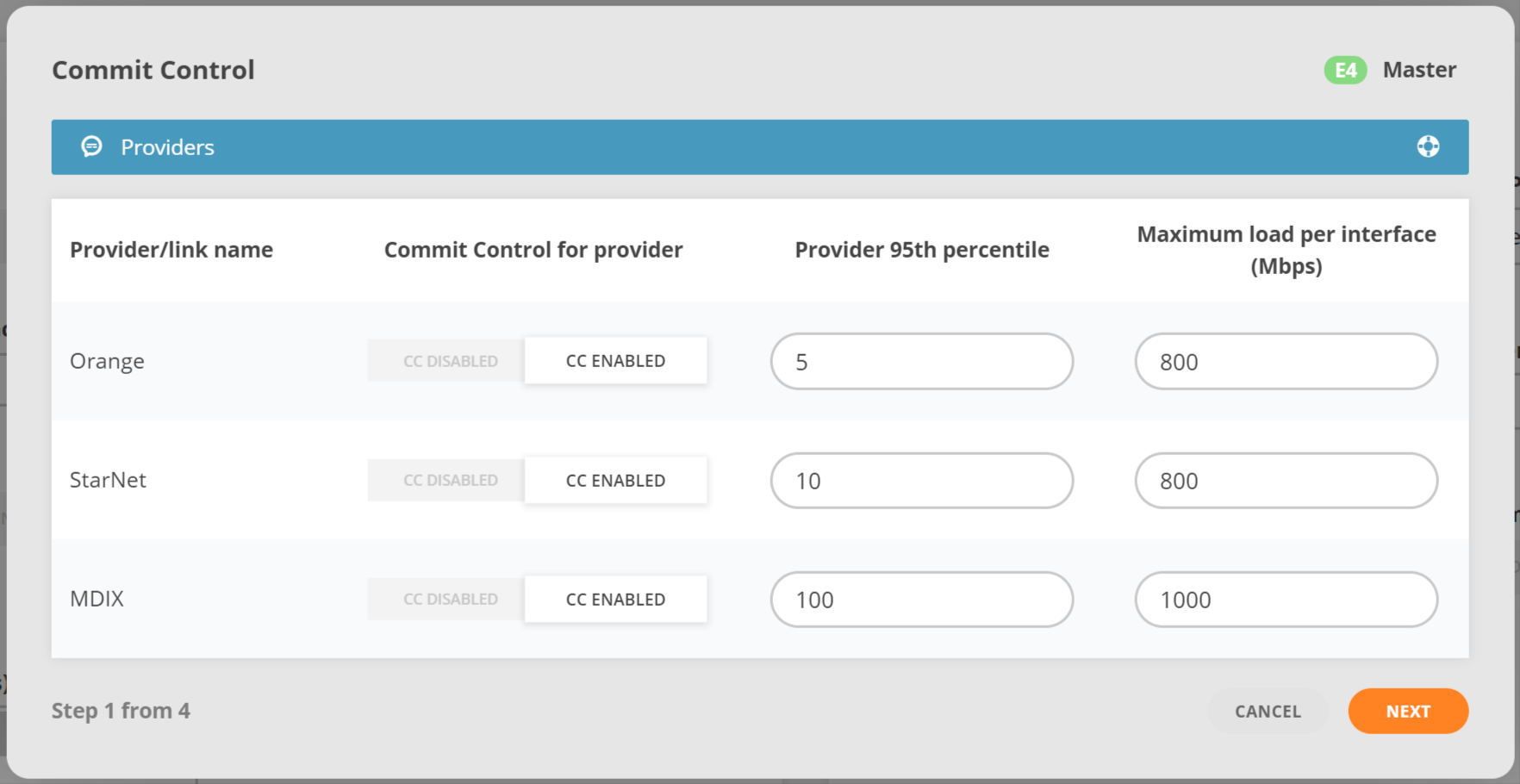
Providers that should maintain a target 95th limit are identified and the exact limits are set. Link upper limit is recommended to set as 80-90% of the maximum interface capacity
- Commit control enables/disables the feature for a specific provider(peer.X.cc_disable)
- 95th target specifies the contracted bandwidth usage target(peer.X.95th)
- Link upper limit specifies the maximum allowed bandwidth on the link in Mbps (peer.X.limit_load).
Step 2: Provider precedence #
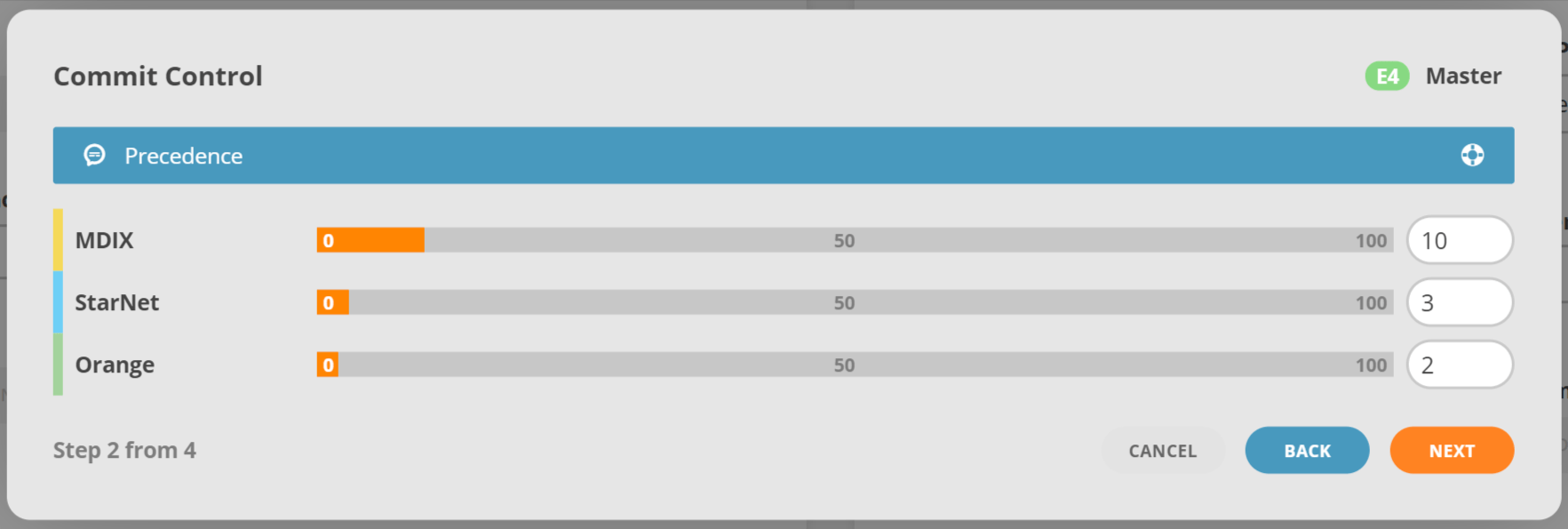
Precedence indicates how important it is to keep the commit levels for different providers. Traffic will be unloaded to the provider with least precedence in situations when all other providers are overloaded. If two or more providers have equal precedence they will form groups.
Move the slider or type in the desired values to specify the order of providers from most important to least important.
Step 3: Groups configuration #
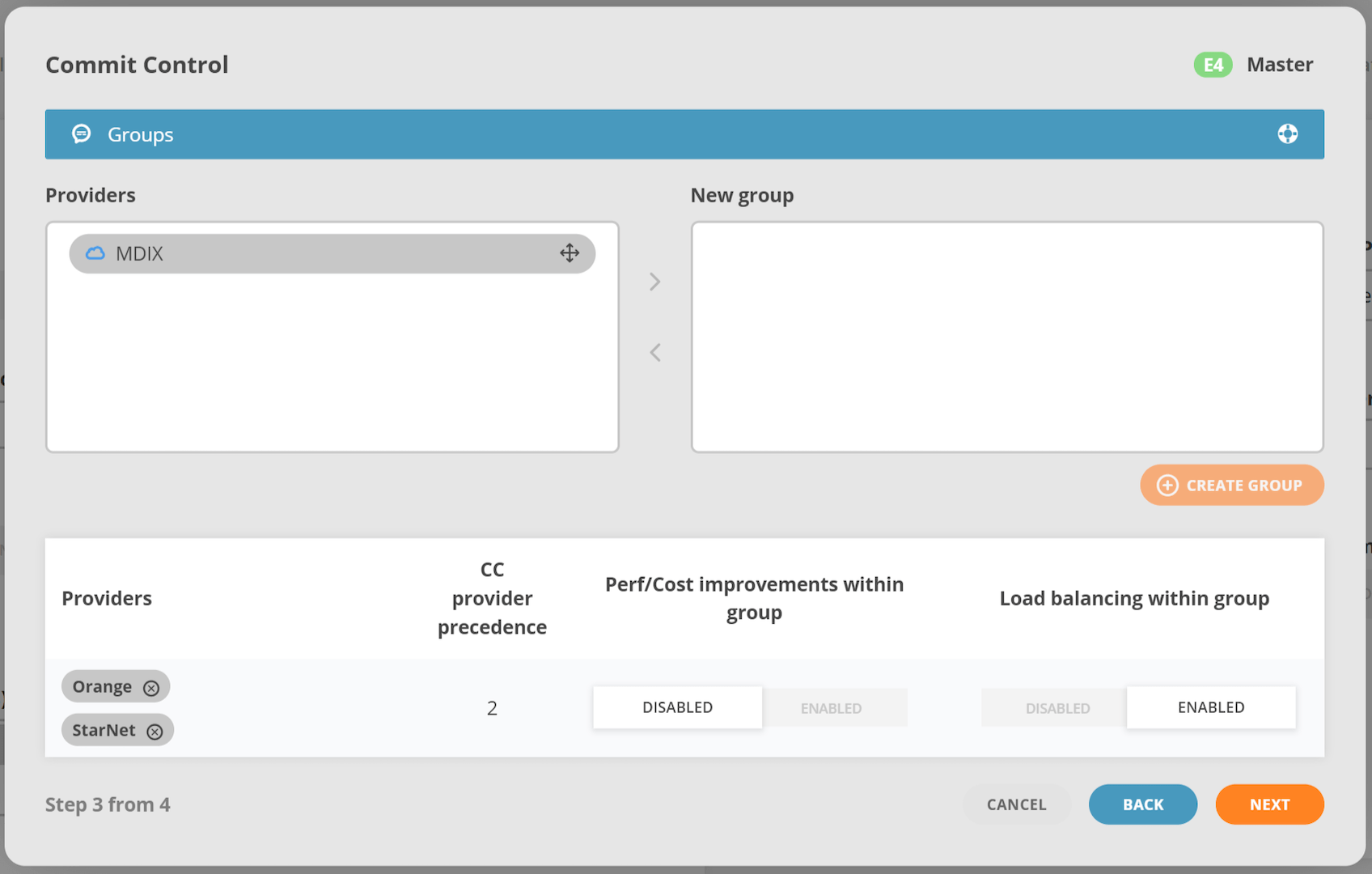
Groups are formed by a set of providers (as configured in IRP) that share some common characteristics, for example a redundant link or a virtual link consisting of multiple physical links towards the same upstream provider. Depending on customer’s needs, groups can be configured to permit or forbid performance rerouting from one provider in the group towards another. If providers are grouped they will be assigned the same precedence.
Groups are optional and can be skipped.
Step 4: Commit Control Overview #
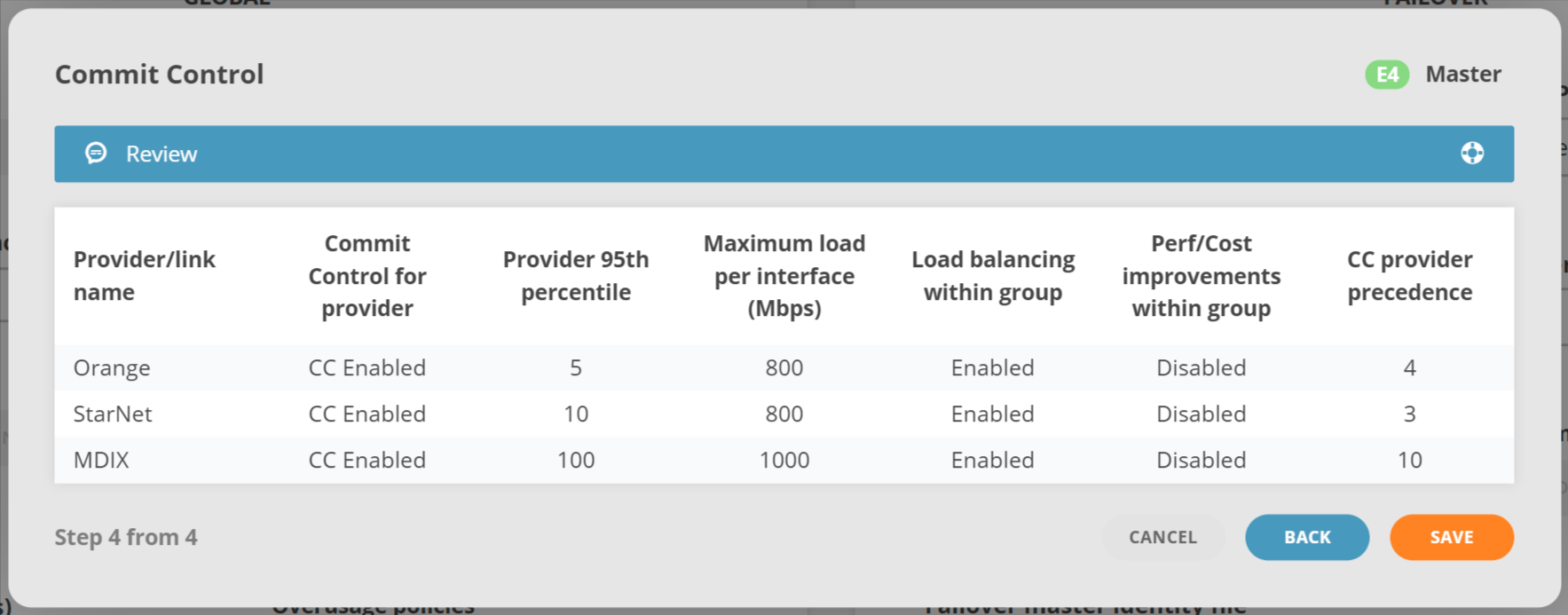
The last step of the wizard is there to review the configuration. When submitted the configuration changes will be validated and applied if correct.
- Provider name (peer.X.shortname)
- Commit control status for a specific provider (peer.X.cc_disable)
- Configured 95th (peer.X.95th)
- Upper limit (peer.X.limit_load)
- Load balancing for groups (peer.X.group_loadbalance)
- Improvements within group (peer.X.improve_in_group)
- Precedence (peer.X.precedence)