
Network Anomaly and DDoS Detection with FlowSpec Mitigation
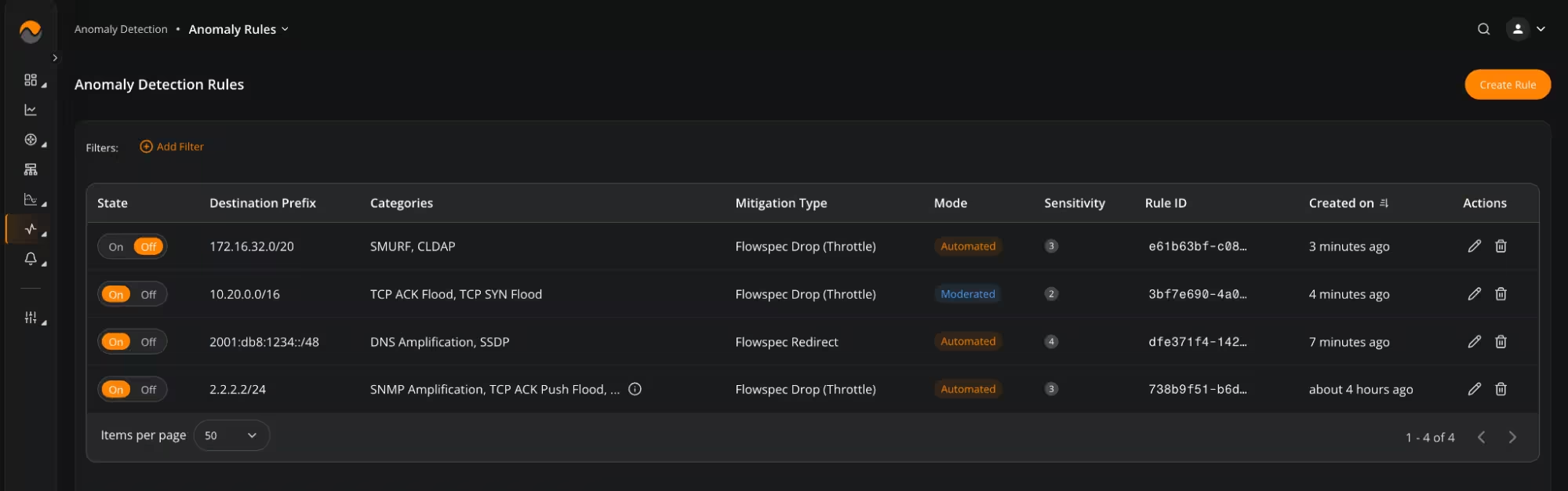
NFA now supports network threat and DDoS detection using multiple attack detection algorithms. Users can configure anomaly detection rules, review current anomaly feeds and historical activity, and exclude selected IP addresses through a whitelist. Detected threats can be addressed using FlowSpec mitigation actions for traffic dropping, rate limiting, and IPv4/IPv6 traffic redirection. NFA supports detection of the following anomaly types: DNS, NTP, SNMP, and memcached amplification attacks; SSH, UDP, TCP SYN, TCP ACK, and TCP ACK PUSH floods; HTTP/HTTPS, smurf, CLDAP, and SSDP flood attacks. Read the documentation →
Noction Flow Analyzer v26.03 introduces Network Anomaly and DDoS detection, automated FlowSpec mitigation options, Microsoft Entra single sign-on, and additional controls for sharing and analyzing network data. The release also expands flow-threshold configuration, BGP lookup capabilities, and SNMP visualization options. Building on the BGP diagnostics and threshold-monitoring updates introduced in v26.02, this version adds operational tools for network engineers, NOC teams, and service providers that use NFA for traffic analysis and incident investigation.
Network Anomaly and DDoS Detection with FlowSpec Mitigation
NFA now supports network threat and DDoS detection using multiple attack detection algorithms. Users can configure anomaly detection rules, review current anomaly feeds and historical activity, and exclude selected IP addresses through a whitelist. Detected threats can be addressed using FlowSpec mitigation actions for traffic dropping, rate limiting, and IPv4/IPv6 traffic redirection. NFA supports detection of the following anomaly types: DNS, NTP, SNMP, and memcached amplification attacks; SSH, UDP, TCP SYN, TCP ACK, and TCP ACK PUSH floods; HTTP/HTTPS, smurf, CLDAP, and SSDP flood attacks. Read the documentation →
Expanded Data Explorer and BGP Report Controls
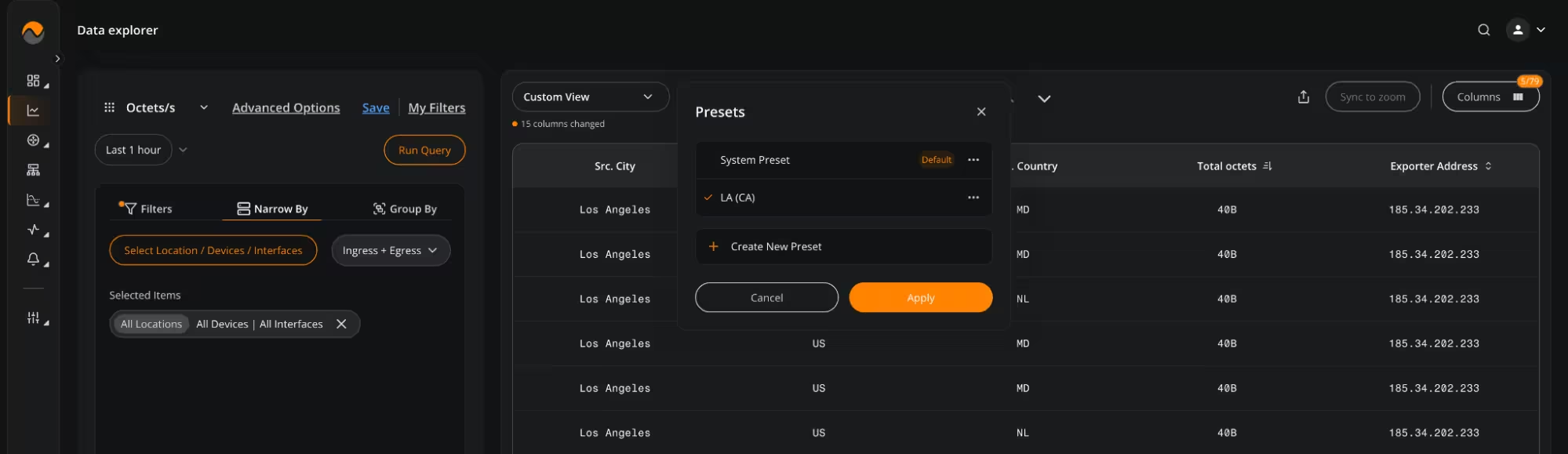
Data Explorer now supports interactive table filtering, allowing users to create filter rules by clicking values directly within table cells. Customizable column presets have also been added to Data Explorer and BGP Reports, with support for multiple configurations containing preferred columns, column order, and default sorting. A Reset Zoom control restores the original chart view and synchronizes the displayed chart data with the corresponding table, while a new search bar simplifies navigation within the Narrow By section. These controls reduce the number of manual configuration steps required when switching between different traffic and routing investigations.
Personal Dashboard and Widget Sharing
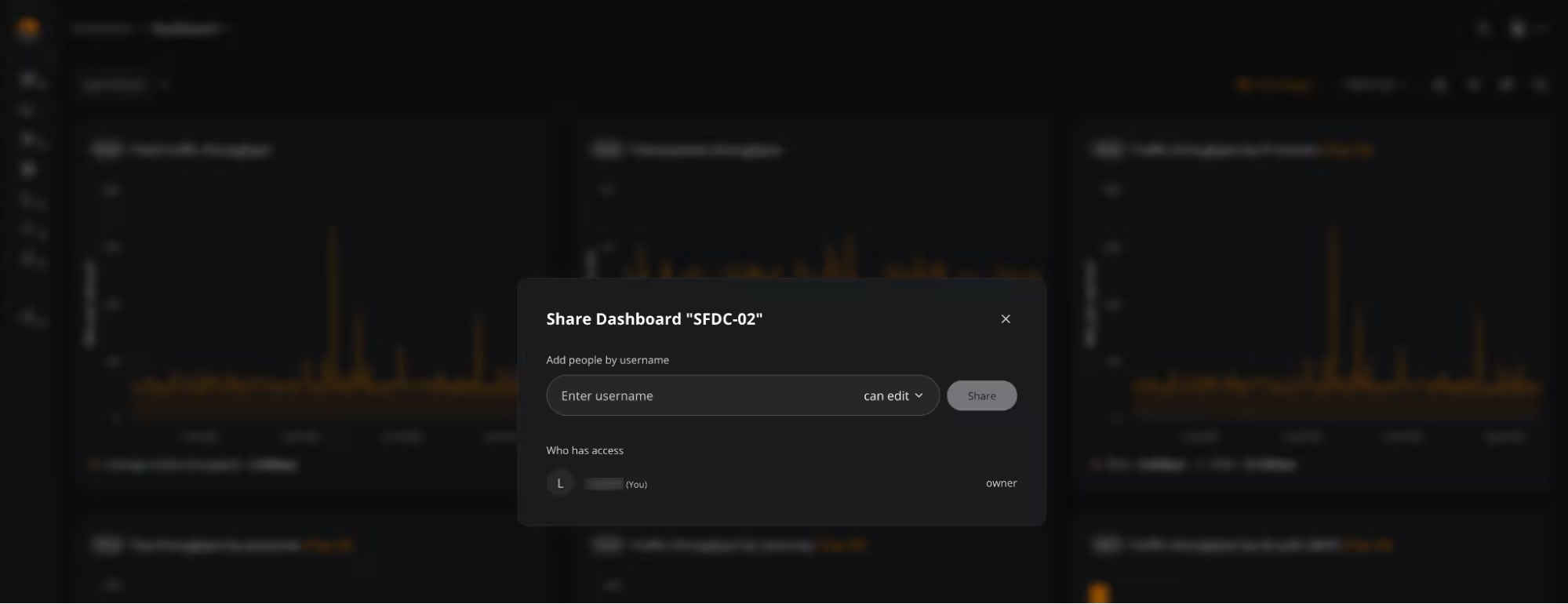
Dashboards and individual widgets can now be shared directly with selected users. This personal sharing option provides more control than making dashboard content broadly available and allows engineers to distribute specific operational views to relevant colleagues. Teams can use the feature to share incident dashboards, traffic views, or monitoring widgets without changing access for other NFA users.
Microsoft Entra Single Sign-On
NFA now supports Microsoft Entra single sign-on for user authentication. Organizations using Microsoft Entra can integrate NFA access with their existing identity management and authentication policies. This reduces the need to maintain separate NFA credentials and provides a centralized authentication method for users accessing the platform.
Additional Improvements
NFA v26.03 also includes the following reporting, threshold-monitoring, and usability changes:
- Flow Threshold Fields: Flow thresholds now support additional filtering and grouping fields, including source city, destination city, source ASN, destination ASN, application, IP version, and protocol.
- Threshold Collection Intervals: Each flow threshold can use a configurable data collection interval, with one second set as the default sampling step.
- Threshold Notification Details: Threshold notifications now include each violator’s severity and current metric value.
- Ubuntu 26 Support: NFA packages now support Ubuntu 26.
- SNMP Chart Types: The Mirrored and Crosshair Combo Chart types are now available in SNMP Reports and SNMP widgets.
- Parameter Set Names: Users can now edit the names of parameter sets in SNMP reports.
- BGP RIB-in Matching: BGP RIB-in now supports longest-prefix matching.
- Looking Glass Router Identification: Router names are now included in current and historical Looking Glass BGP data.
To learn more about NFA v26.03, request a free 30-day trial of the product or email support@noction.com with any questions.