

The “Instances” tab under “Management” accumulates information about all IRP instances added to GMI. The section presents IRP shortnames, status, hosts, license, IRP versions as well as the “Last Edited” and “Added by” details.
Admins are free to add new, edit, and delete IRP instances as they like.
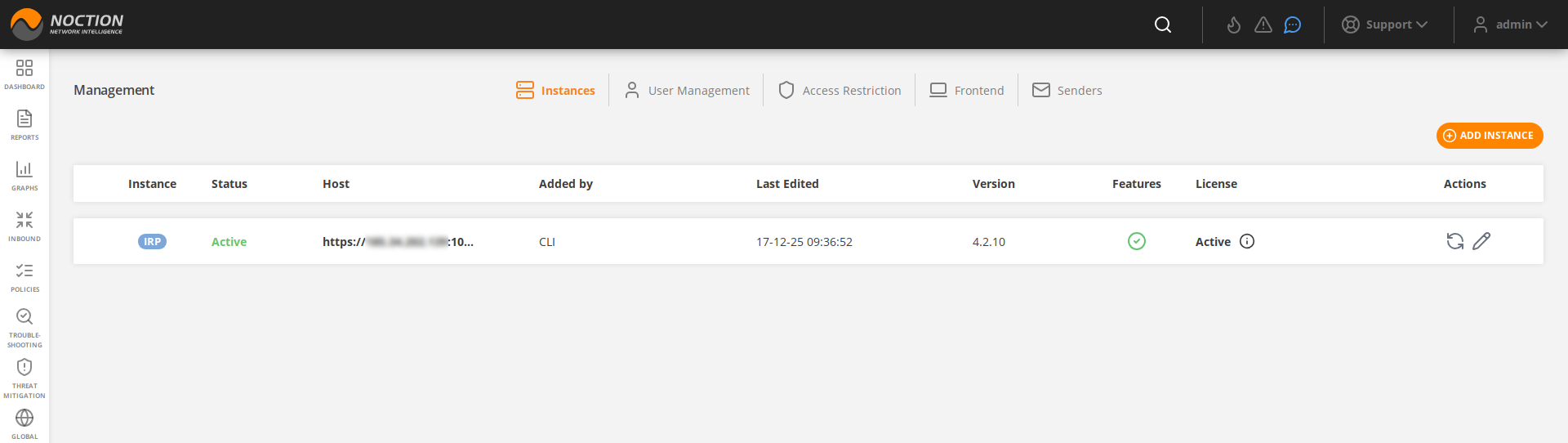
Figure 3.14.1: IRP Instances
To add a new instance, one should click the ADD INSTANCE button and fill out the corresponding fields in a popup window. The actual IRP instance authorization token or server root password should be provided for completing the registration.
For complete process breakdown see Registering IRP instances using tokens and Registering IRP instances using root passwords
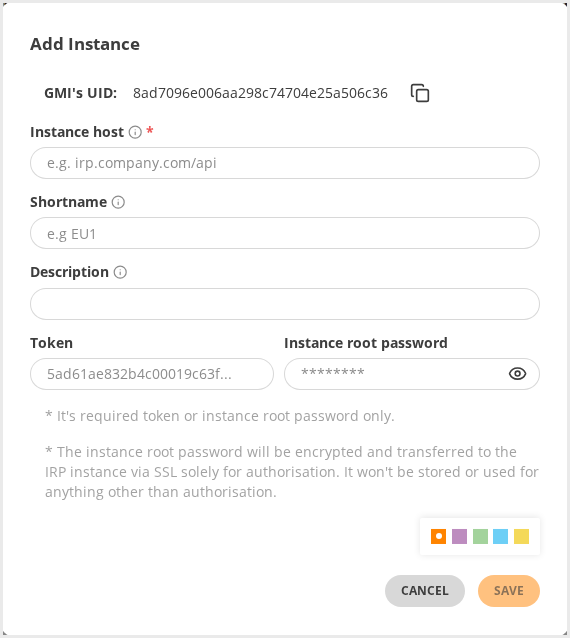
Figure 3.14.2: Adding an instance