

You can easily create a new dashboard in GMI from the All Dashboards directory.
Click the “NEW DASHBOARD” button at the top right corner of the directory. A pop up will appear. Provide a meaningful name and description for your dashboard.
Mark if you’d prefer it to be a “Favorite” (dashboard will appear at the top of the “All Dashboards” directory) and/or “Default” dashboard.
Press “Create” to continue, or “Close” to return to the directory.
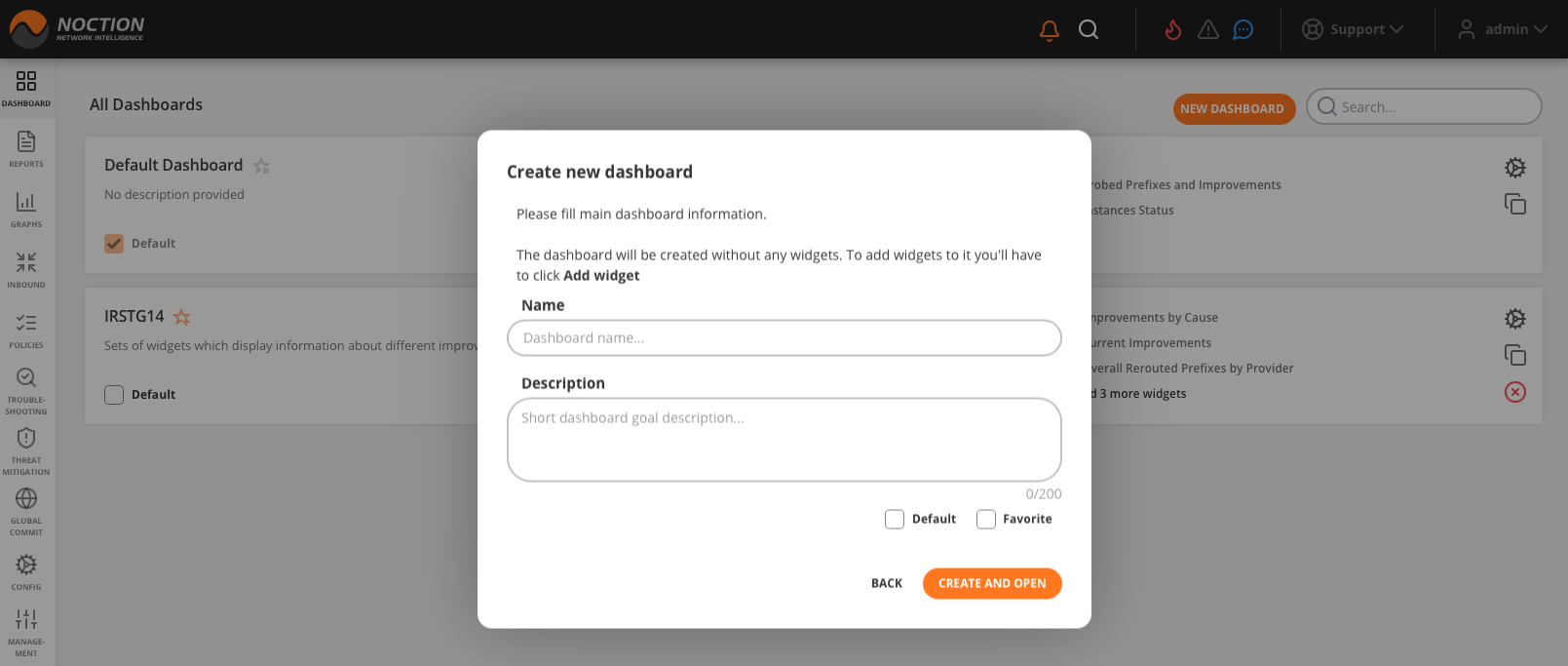
Figure 3.3.3: Creating a new dashboard
Alternatively, you can create a new dashboard by cloning an existing one in the All Dashboards directory.
The clone dashboard will be automatically created along with widgets from the original dashboard and added to the directory. Edit the newly created dashboard to change its name and description.